Guide
How to photograph clothes for a better search
The right product comes first far more often when the photo is good. These habits come from what we’ve seen work in our own tests.
By Style Finder · Updated 26 October 2026
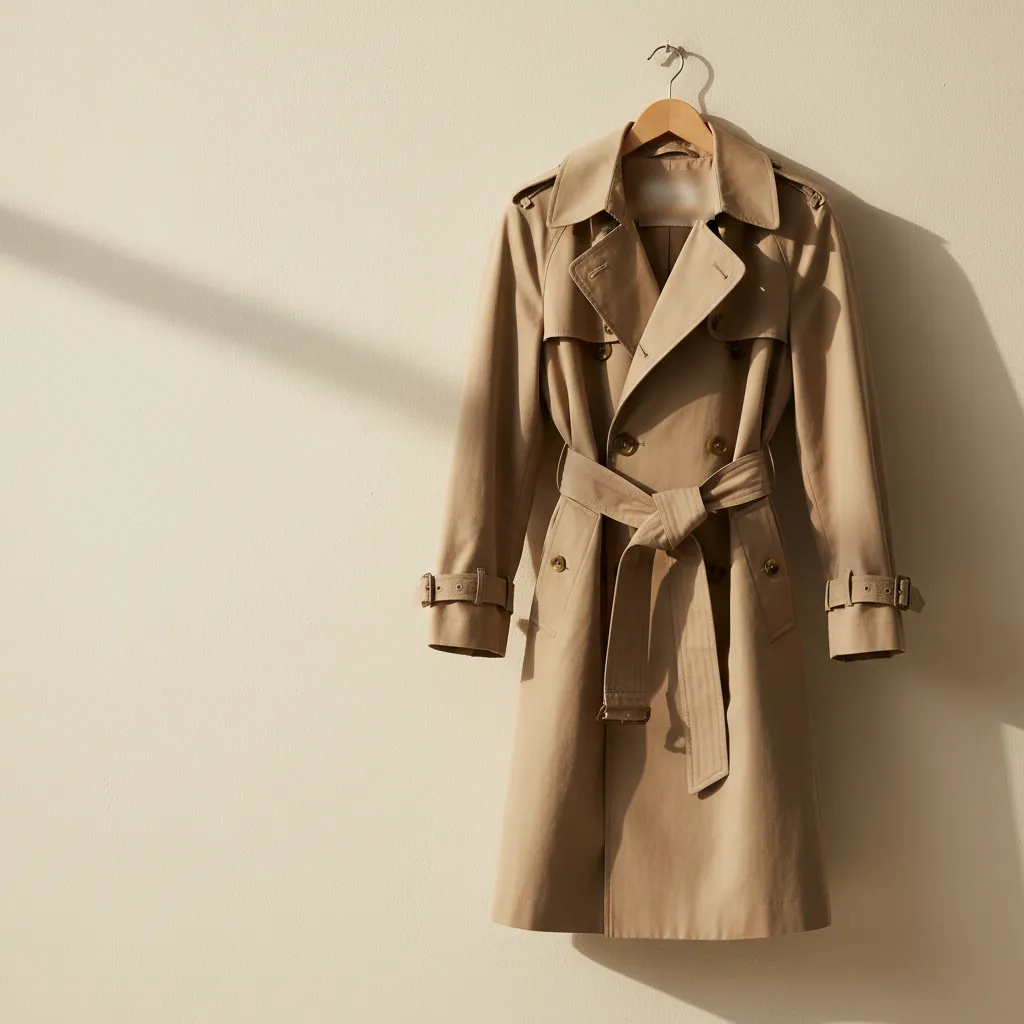
 AI illustration
In short
- Use daylight and avoid strong shadows.
- Fill the frame with one piece, showing its most distinctive side.
- Include any logo, label or model name.
- Worn, creased or dirty pieces can still be found: clarity matters more.
Light
Daylight from a window shows true colours and fine texture. Avoid flash, which flattens detail and adds glare to leather and satin, and avoid mixing warm indoor light with daylight, which shifts colours.
Framing
- One piece, filling the frame. The piece should take up most of the photo.
- Its most distinctive side. The side of a trainer, the front of a jacket, the clasp of a bag.
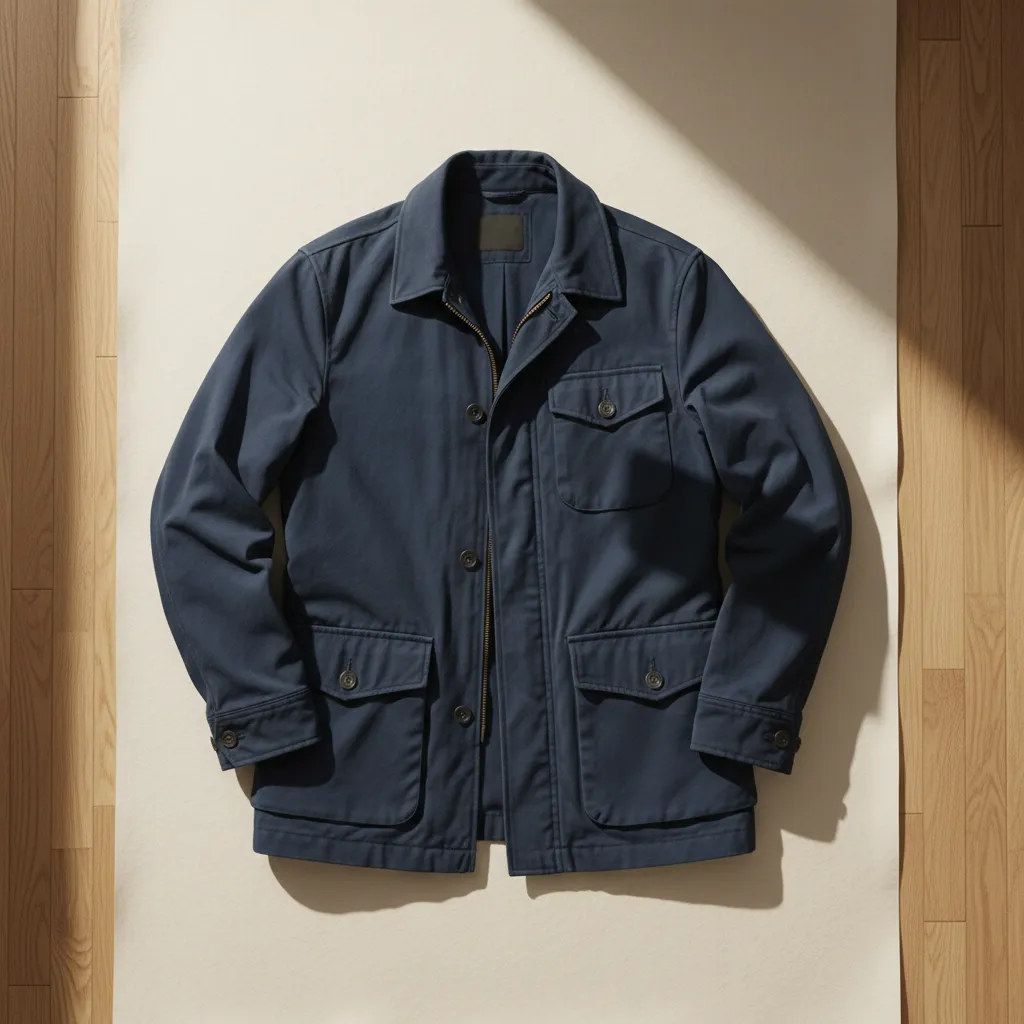
- Flat or worn, but not crumpled. Laid flat or on a hanger shows the shape; on a person shows the fit. Both work.
Details that help
Brand names and model numbers printed on a piece are the strongest clues there are. In our tests, reading the text on a piece was the change that helped most: a watch was named exactly because its model number was readable on the face. If a logo, label or name is visible, get it in the photo.
Worn, creased and dirty pieces
Don’t wait for a perfect piece. In our tests, worn and dirty trainers were identified as well as clean ones, as long as the photo was sharp and showed the side of the shoe.
A quick checklist
Find good light
Near a window, out of direct sun.
Frame one piece
Close enough that it fills the photo, with its most distinctive side to the camera.
Add the clues
Logo, label, model name: include them if they’re there.
Check it’s sharp
Zoom in on the photo before you search.
Questions
Keep reading
Guide
How to find clothes from a picture
You’ve got a photo of a jacket, a dress or a pair of trainers, and you want to know where to buy it. Here’s how to go from picture to shop, step by step.
Guide
How to identify trainers from a photo
Trainers that look alike can be different models, different years or different colourways. Here’s what to look at, and how to find the exact pair.
Guide
How to find an outfit from a screenshot
Screenshots are where most outfit searches start. A few small habits make the difference between a perfect match and a pile of look-alikes.