
AI wardrobe app
Your whole wardrobe, in your pocket
Photograph the clothes you own and Style Finder cuts out each piece, names it and sorts it for you. Your digital wardrobe is ready for outfit ideas in minutes.
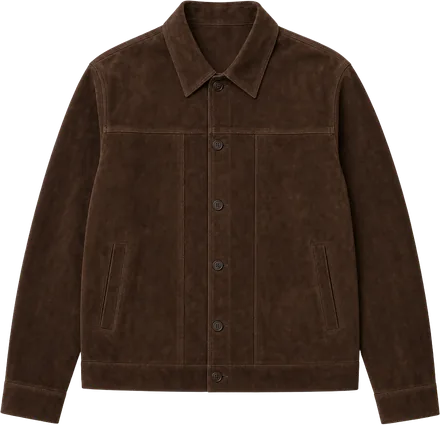
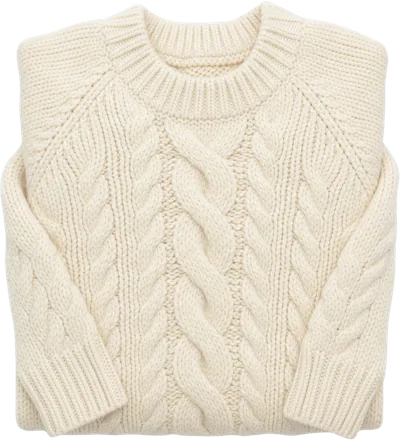
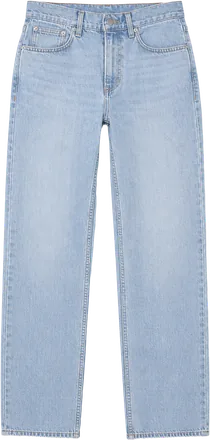
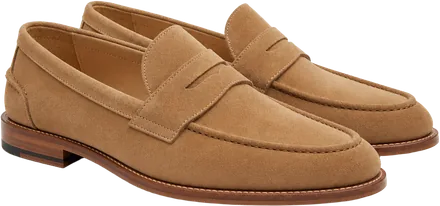
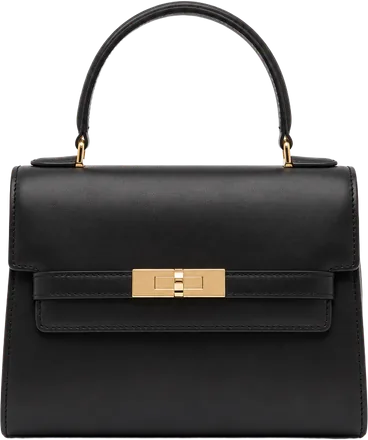
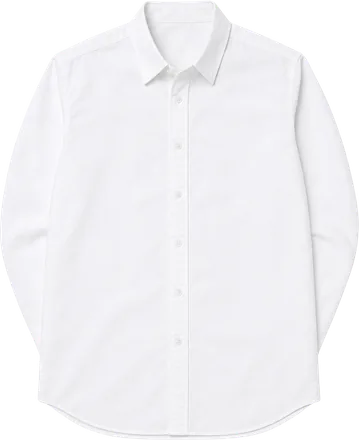
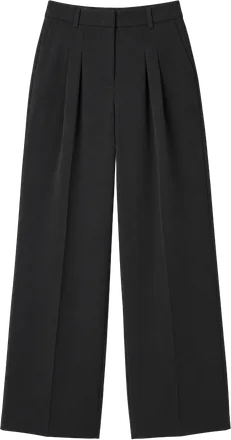
Several pieces per photo
Lay out a few pieces and take one photo: Style Finder finds up to six and cuts each one out.
Named and sorted
Each piece gets a name, a type, its colour and, when it’s clear from the photo, its material.
Add what you scan
Bought something you scanned? Add it to your wardrobe straight from the scan.
How to digitise your wardrobe
Take a photo
Lay clothes out on a bed or the floor, hang them up, or wear them. Your phone finds the outline of each piece.
Check the pieces
Style Finder names each piece and sorts it into tops, bottoms, dresses, outerwear, shoes, bags and accessories. Keep the ones you want.
Get dressed
Ask “What should I wear?” and get outfits from your wardrobe for the occasion and the weather.
Every piece you own, sorted by type.
Outfit ideas made from those pieces.
Why keep a digital wardrobe
- See everything you own, including the pieces at the back of the drawer.
- Plan outfits anywhere, from your phone, without opening the wardrobe.
- Buy less twice: check what you already have before you shop.
Questions
Keep reading

AI outfit app
Outfit ideas from the clothes you already own
Tell Style Finder where you’re going and when. Its AI puts together outfits from your own wardrobe, for the occasion and the weather, so getting dressed takes a minute, not a morning.
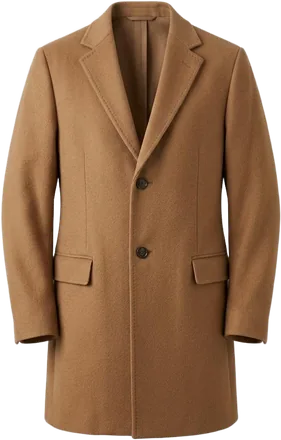
Outfit planner
Know what to wear before the day begins
Style Finder’s outfit planner looks at your plans and the forecast, then suggests what to wear from your own wardrobe. Plan today, tomorrow or the day of the trip.

Clothing identifier
Scan any outfit. Find every piece.
Style Finder is a clothing scanner for your phone. Point the camera at an outfit and it identifies each piece, then finds possible matches in shops with prices in your currency.