
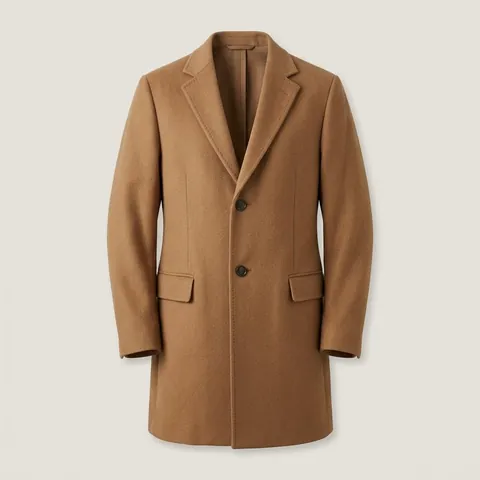
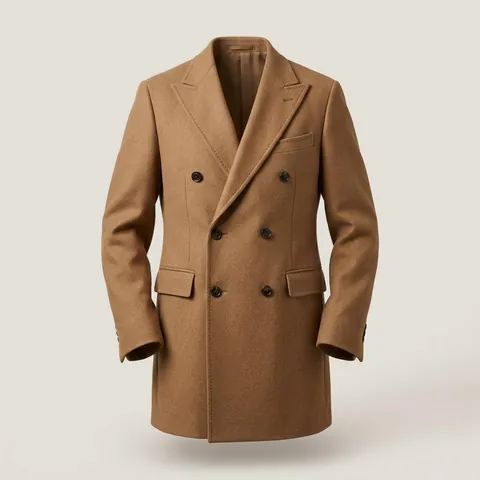
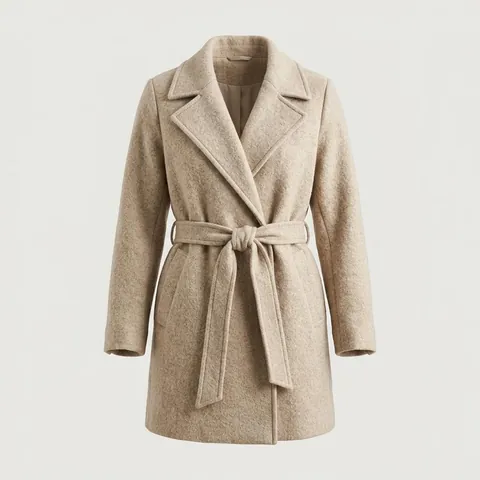
Picks out every piece
One photo can hold a whole outfit. Style Finder frames each piece it recognises, from the jacket to the sunglasses, so you can search for exactly the one you want.

 Style Finder
AI style search for iPhone
Love a coat you saw on the street or in a photo? Scan it or choose the photo, and Style Finder searches shops for possible matches, with prices in your currency.
How it works
Point your camera at a piece you love, or start with a photo or screenshot from your library.
Style Finder picks out the pieces in your photo. Choose one, or drag the frame around the piece you want.
Get the closest match and similar pieces, with shops and prices. Save the ones you love for later.
App screens are illustrations. In the app, the grey bars show each shop’s name and price.
Features
Whether it’s on the street, in a shop window or in a screenshot, Style Finder helps you find out what it is and where to buy it.
One photo can hold a whole outfit. Style Finder frames each piece it recognises, from the jacket to the sunglasses, so you can search for exactly the one you want.
Each match lists shops that sell it, or something very like it, with links straight to the product.
Put a match next to your photo and check the colour, style and details side by side.
Style Finder uses your phone’s region to look for shops in your country, with prices in your currency where the shop shows them.
Save any match with one tap. Your saved pieces stay in one place, sorted into clothing, shoes and accessories.
Privacy
Style Finder only sends a photo when you take or choose one to search, and asks your permission first.
Read the Privacy PolicyWe don’t use your photos to train AI models.
Photos are resized and their hidden details, like location, are removed before they’re stored. Other people using Style Finder can’t see them.
Photos you don’t search from are deleted within about a day, and removing a find deletes its photos straight away.
Delete your account in the app, and your photos, finds and saved pieces are deleted with it.
Plans
Style Finder is free to download and use every day. Pro is for when you search more often.
Everything you need to start finding.
For when you’re always searching.
Free limits are counted over a rolling 24 hours. Searches that find no matches don’t use up your 2 searches, up to 8 tries in all. Pro is a subscription you buy in the app: you’ll see the price before you buy, and you can cancel any time in your Apple Account settings.
Style Finder is made for iPhone. Scan a piece or start with a photo, and see where to buy it.